I have a MacBook Pro that I dual-boot between a personal install and a work install of 26.6.2.
I have an iPhone running iOS 26.6.2 also.
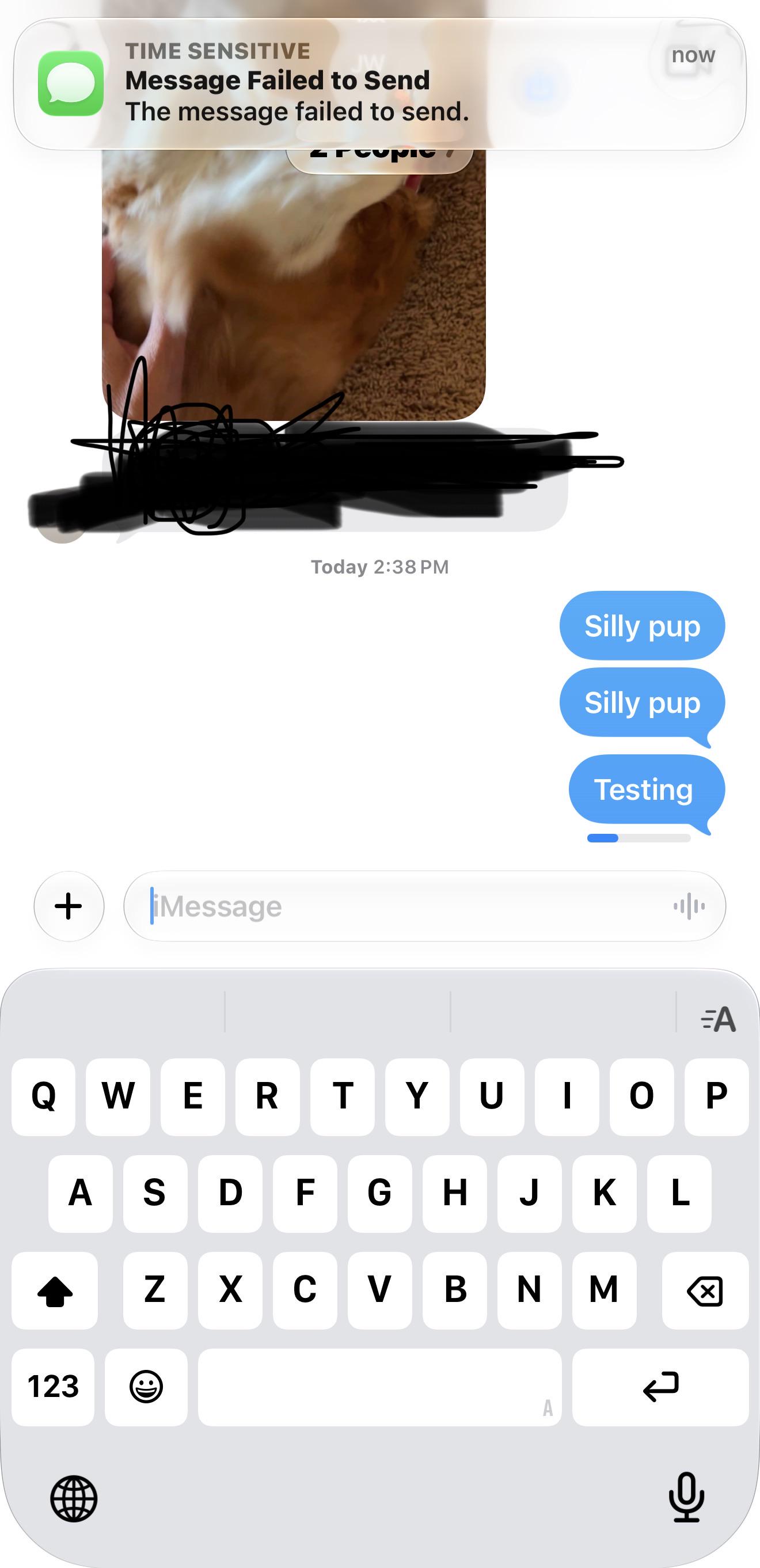
I'm having trouble getting non-iMessage messages to show up on the personal install on the Mac.
The iPhone shows Text Message Forwarding as enabled for the work install, but doesn't list the name of the personal install. This is listed above the message "These devices can send and receive text messages because each device has Messages in iCloud turned on."
So I go to Settings > my name > iCloud on the personal install of the Mac and
So I go to the Messages app on the personal install of the Mac, then Settings > iMessage and the box is already checked for "Enable Messages in iCloud". That should fulfill the requirement for the personal partition to be listed as enabled for text message forwarding, but nope. I tried unchecking it, and checking it. No change.
I tried signing out of iCloud and signing back in. This made it start working but on my iPhone it now only lists the name of the personal install, not the work install for Text Message Forwarding. 😡
Any idea why Apple can't handle two partitions both being usable for text message forwarding? This is super annoying!
Other than that, this seems to be a great way to handle using a Mac for personal stuff while also having the company's security bloatware one it. I've got Jamf, Crowdstrike, Okta, and more, and none of them bother me in my personal partition. :)