r/photoshop • u/OwlCompetitive2189 • 3h ago
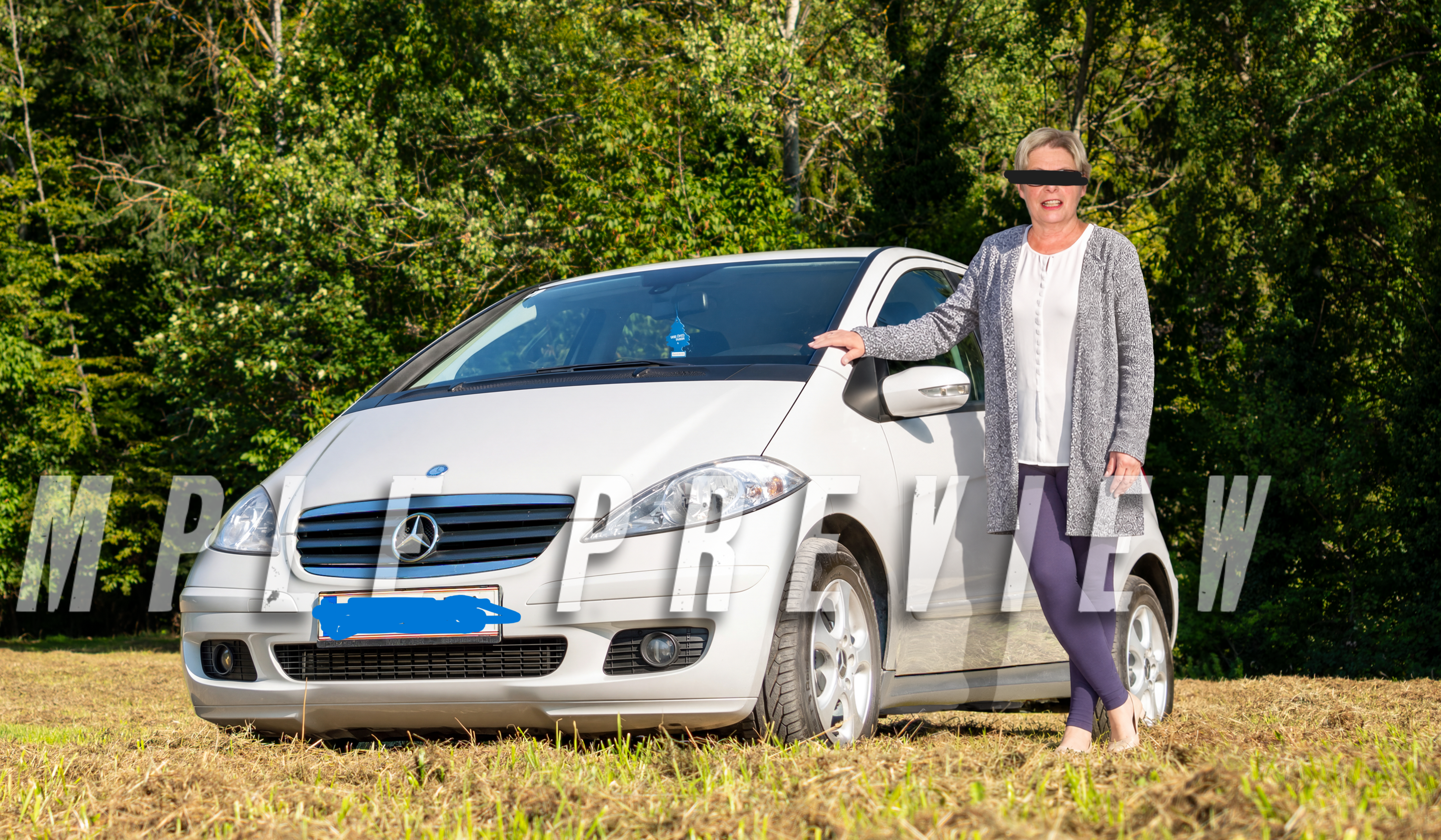
Help! how could i achieve a effect like this?

16
Upvotes
digital tapestry and sequin it looks very realistic
r/photoshop • u/OwlCompetitive2189 • 3h ago
digital tapestry and sequin it looks very realistic
r/photoshop • u/Emotional-Cheek403 • 9h ago
I created this piece to represent the idea of holding on to hope. Do you think I managed to convey that?
r/photoshop • u/Pepsi_Tastes_Better • 20h ago

I am trying to use generative expand to make this render 16:9. something i've done a lot. but as of today i cant use partner models anymore for this :( The firefly is just not up to the task sadly :(
Does anyone know if there is a setting i need to change??
r/photoshop • u/DAnonymousMan • 1h ago
So I've been trying to merge down this Jaguar logo onto the base of my 3D model. But as you can see the tail end of the logo isn't merged down, even though its the same source/texture. How can I achieve this?
r/photoshop • u/Reinhaut • 11h ago
I am working with a freelancer on fiverr to add a passed away family member to a photo.
Almost all my request have been completed perfectly, and he has gotten so much out of the flawed source material I provided. Just one thing we can't quite work out even after a revision. I am looking for guidance on how to communicating with the person, not to replace them or receive free work here.
I think the added person still stands out and is obviously added in. Can someone here chime in and help me put into words what is wrong? I suspect the lighting on her face is still too cold compared to the rest.
Or maybe am I overly critical of this work? Is it a matter of skill of the freelancer? My goal is realism if possible.
Thank you for your help.
r/photoshop • u/RhyWin • 19h ago
Hi everyone,
I’m trying to lay out my artwork in Photoshop to print some keychains, but the final layout looks pixelated and I can't figure out why. I'll be attaching a ss of the template from my manufacturer.
Here are my current settings and workflow:
I thought an A4 at 300 DPI would be high enough resolution, but the edges of my designs are coming out jagged/blurry.
Does anyone know what I might be doing wrong, or what the best workflow is for preparing individual keychain files onto a master print sheet without losing quality? Any help is appreciated
Note: I can't change the DPI of the template, and inside every folder, all the artwork needs to be combined into just one single layer

r/photoshop • u/Dext517 • 13h ago
As you can see, the image is very blurry, has too much grain, is out of focus, and has a thousand and one other flaws I wouldn't even know how to describe. I have to fix it for a client, and I can't find a way to make it look decent without using AI. What would you do in this situation? How could I fix it?