r/computerviruses • u/plasma0_ • 28d ago
Question Windows defender keeps giving me notifcations that its off but its on
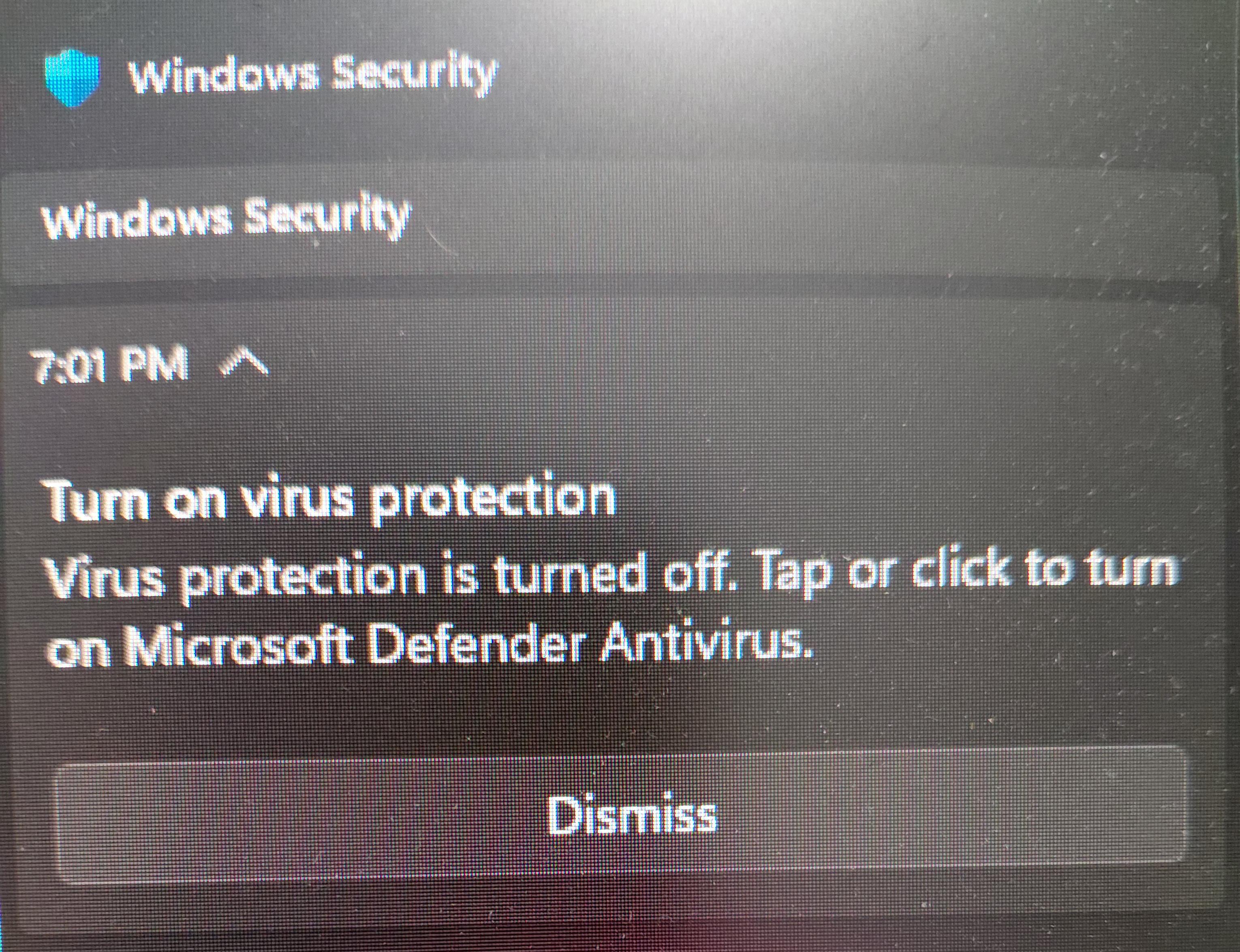
Had to take picture because you cant screenshot that panel
16
u/Souvenir_Spices 28d ago
Same here, been experiencing that for awhile now.
1
u/BLACK_WOLF_2025 28d ago
Honestly defender has been so useless to me, i wasn't even the least bit concerned.
4
3
u/Discord_mod06 28d ago
It's a bug, if u go to the settings at the bottom left and then go to manage providers there u will see that it's turned off but after some time if your pc or laptop is On it will show turned On. This has been happening with me too lately a lot (Sorry for bad english)
0
2
2
1
u/Patient_Opposite5434 28d ago
likely the known bug(not sure where to find the info for it), use "Get-MpComputerStatus" and check that Antivirus enabled and RealTimeProtectionEnabled are both true.
Been dealing with it for a while, can also use "Update-MpSignature"(did get RPC error when I tried but it still updated after waiting a little. AI suggested "AMProductVersion: 4.18.26080.4" should* remove the bug) Just check with ComputerStatus again after a min or two to make sure the update worked.
Both these specific commands can be done with non-admin powershell.
1
1
1
1
1
1
u/Cpt-hazama 28d ago
Yeah, it’s a new bug. I got it on Monday Apparently it’s been going on ever since the middle of August till late August apparently your antivirus is working. Just be sure to check in the windows defender settings to make sure that everything is still turned on. Yeah, we just gotta wait for Microsoft to patch this
1
u/PotentialRaise3257 28d ago
I recently started getting such notifications and I have Windows 10 and I'm wondering if I should install Linux like Ubuntu because Windows is mediocre.
1
u/SkyeRedPanda 27d ago
This has been driving me insane lately I thought I had a virus until I saw this post
1
1
1
1
u/Jeff30100 27d ago
🔧 METHOD TO REPAIR MICROSOFT DEFENDER 🔧
I was able to fix a Microsoft Defender platform update issue where my system was stuck on 4.18.26080.3 while another PC had already received 4.18.26080.4 through Windows Update.
This method worked for me:
1. Temporarily switch to the Beta channel
Set-MpPreference -PlatformUpdatesChannel Beta
2. Force a Defender update
Update-MpSignature -UpdateSource MicrosoftUpdateServer
3. Verify that version 4.18.26080.4 is installed
Get-MpComputerStatus | Select-Object AMProductVersion, AMServiceVersion
You should see:
4.18.26080.4
4. Switch back to the Broad (standard) channel
Set-MpPreference -PlatformUpdatesChannel Broad
5. Confirm that you are back on the Broad channel
Get-MpPreference | Select-Object PlatformUpdatesChannel
The result should be:
Broad
(or possibly NotConfigured, depending on your system configuration)
Important: Run PowerShell as Administrator.
My case: One of my PCs remained stuck on Defender platform version 4.18.26080.3 for weeks, while another system had already received 4.18.26080.4 via Windows Update. After temporarily switching to the Beta channel, updating, and then returning to Broad, the issue was resolved.
Has anyone else tried this method or experienced the same problem with Defender being stuck on version .3?🔧 METHOD TO REPAIR MICROSOFT DEFENDER 🔧I was able to fix a Microsoft Defender platform update issue where my system was stuck on 4.18.26080.3 while another PC had already received 4.18.26080.4 through Windows Update.This method worked for me:1. Temporarily switch to the Beta channelSet-MpPreference -PlatformUpdatesChannel Beta
2. Force a Defender updateUpdate-MpSignature -UpdateSource MicrosoftUpdateServer
3. Verify that version 4.18.26080.4 is installedGet-MpComputerStatus | Select-Object AMProductVersion, AMServiceVersion
You should see:4.18.26080.4
4. Switch back to the Broad (standard) channelSet-MpPreference -PlatformUpdatesChannel Broad
5. Confirm that you are back on the Broad channelGet-MpPreference | Select-Object PlatformUpdatesChannel
The result should be:Broad
(or possibly NotConfigured, depending on your system configuration)Important: Run PowerShell as Administrator.My case: One of my PCs remained stuck on Defender platform version 4.18.26080.3 for weeks, while another system had already received 4.18.26080.4 via Windows Update. After temporarily switching to the Beta channel, updating, and then returning to Broad, the issue was resolved.Has anyone else tried this method or experienced the same problem with Defender being stuck on version .3?
1
u/LuffyAsec 27d ago
Mine was 5
PlatformUpdatesChannel
----------------------
5
1
1
u/Jeff30100 27d ago
Channel values:
0 = NotConfigured
2 = Beta
3 = Preview
4 = Staged
5 = Broad
6 = Delayed
1
1
u/ScallionNo9422 26d ago
Bro, after a malware scare (pc was shipped with it) and reinstalled with a new ssd weeks ago, this now constantly popping up had me like 👁️👄👁️ ..
1
u/One_Purpose_7427 26d ago edited 26d ago
Same for me since the last security update. It's happen every time when I restart my PC
1
1
1
1
u/RedRayTrue 28d ago edited 28d ago
Yep Microsoft vibecoded windows 11 again
Or they used too much AI and did not check for bugs, this ⬆️ is why I went back to Linux: Ubuntu plus Fedora. They don't ensure the good quality of the OS.
Looks closer to what windows 10 was back then with some tweaks
0
u/Limp-Ad1837 26d ago
Third party software like McAfee ( or the better alternative, malwarebytes) -- can do that
74
u/Nitrodax777 28d ago
its a bug with one of the recent updates