r/computerviruses • u/Accomplished_Form_26 • Sep 13 '26
File / URL Check This is a computer virus??
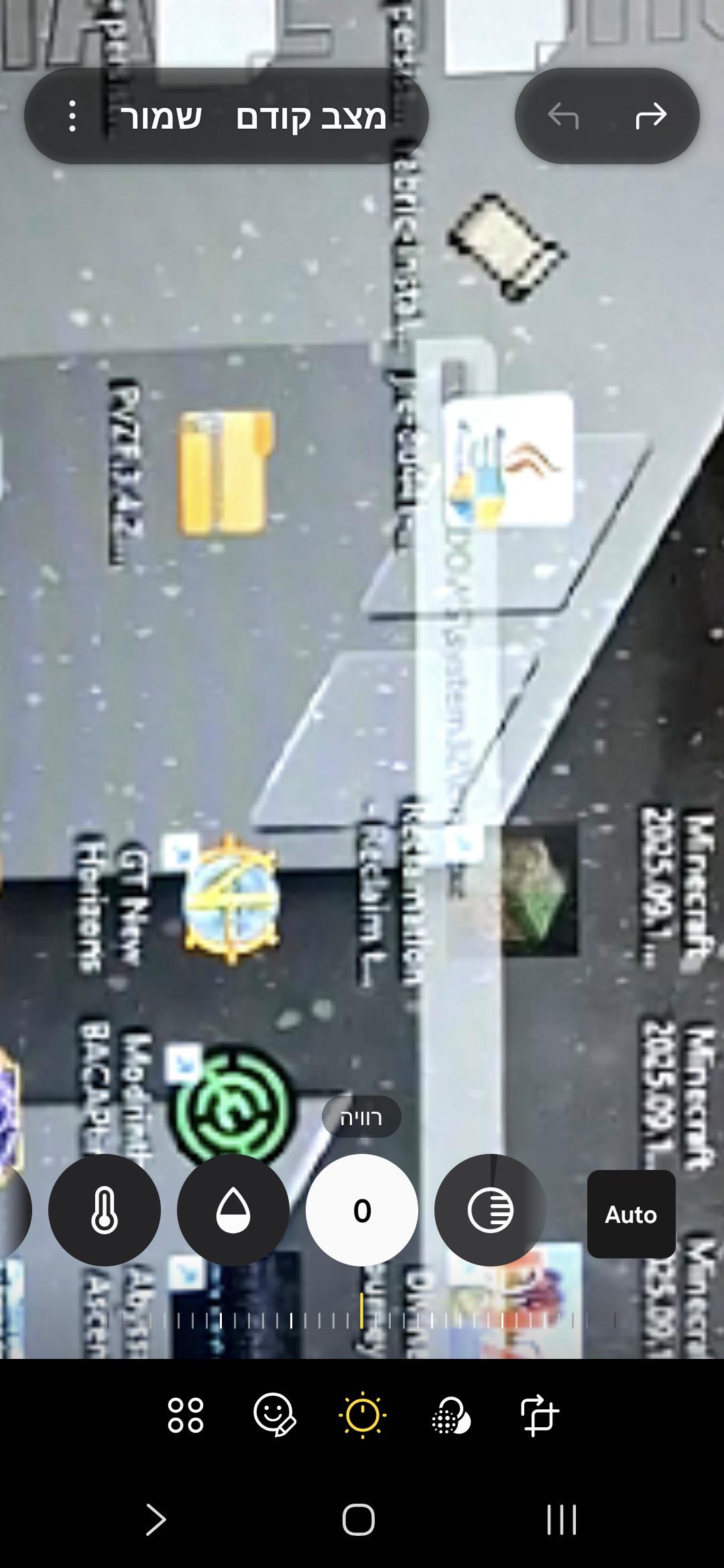
I recorded booting up my computer and slowed it down 10x and this is the best frame I got. I can make out DOMS/system32/somethingexe, but something tells me this isn't really system 32.
Is this a virus and if it is how do I remove it?
5
u/MitAllesOhneScharf Sep 13 '26
The year is 2026 and we get screenshots of a photo/video of a desktop. I've seen clearer photos of Bigfoot in the past.
My best guess: cmd.exe or cscript.exe
-2
3
2
u/Throw-Away7651 Sep 13 '26
if it disappears after your computer boots its very weird but i cant help you, wait until a mod arrives here
1
2
u/Itafan Sep 13 '26
I don't think it says DOMS/system32/, it's most likely WINDOWS/system32/. You can't read the first part because the icon is obstructing the text. Anyway, just to be safe, download Autoruns from Microsoft Sysinternals and run it as administrator. Check the Logon and Scheduled Tasks tabs to see exactly what is launching at startup.
2
1
u/Suspicious-Coach-644 Sep 13 '26 edited Sep 13 '26
Try running an offline scan though windows defender and see if it picks anything up
0
1
1
1
u/Maty658 Sep 13 '26
Idk man my pc sometimes also opens a system32 cmd but closes immediately and nothing happens so that probably your situation too just leave it be its okay I think im bo professional tho
1
0
8
u/JustPlayer Sep 13 '26
sorry if I sound like a dick but if we switched places, how much would you understand from what you wrote in this post? give more info like what you were doing, did you download anything, visit any shady websites? looks like just a "windows\system\cmd exe" being opened which also happens with legit apps that are autostarting, check the auto startup or something like this in your task manager to check if something unusual is there. while you're at it, you can download FSRT and wait for rifteyy_ to comment here with a step by step instruction for scanning your system or check other posts for them