r/Ubuntu • • 1d ago

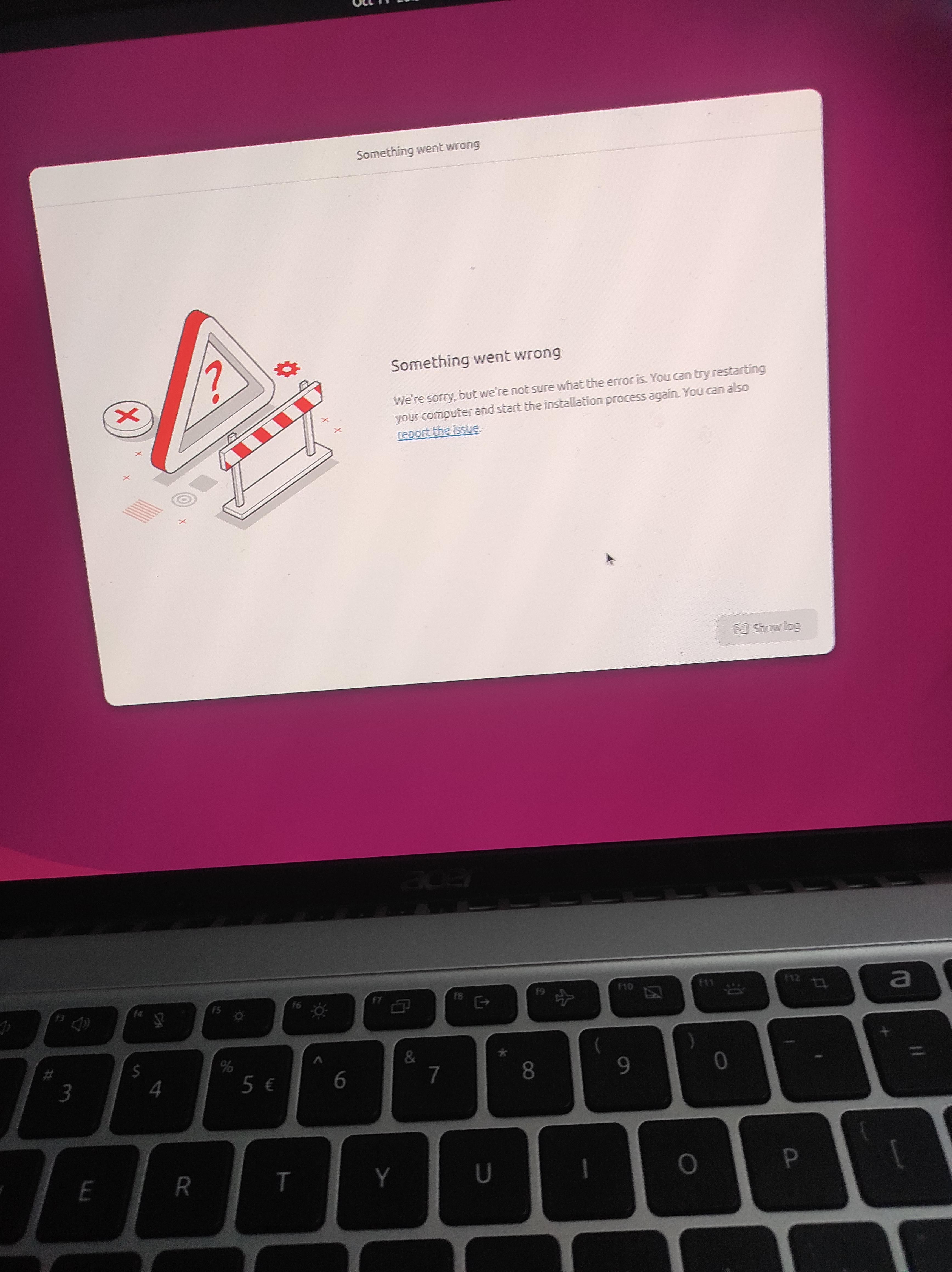
Installation gone wrong

Post image

I was installing Ubuntu and followed each steps now it says this at the end? Any way to solve it

10 Upvotes

11 comments sorted by

6

u/chamgireum_ 1d ago

only time i had this issue was when i used a cheap 10 year old USB drive to install it. reflashed a more reliable usb stick and no issues.

4

u/AmonTookThisName 1d ago

Alright will try it out with a new usb

4

u/thesmartlion 1d ago

Try ventoy on existing USB. Thank me later

3

u/AmonTookThisName 1d ago

Thanks a lot man.

-2

u/ConfusionFearless119 1d ago

That purple screen is basically the Ubuntu experience in a nutshell, but the Acer keyboard in the shot is what makes me think there's some UEFI setting fighting the installer.

3

u/HCharlesB 1d ago

Good point. When I reinstalled Linux on my wire's (old) Acer laptop I had to rename some if the Debian files "Windows..." to fool the BIOS.

OP should look up "ubuntu [specific Acer model]" or "Ubuntu Acer."

2

u/xSpace_Astronomy 1d ago

hey, I was also installing ubuntu around 30 mins ago, same issue. A reinstall fixed it. Maybe their servers went down for a second?

2

u/xSpace_Astronomy 1d ago

btw, I have never encountered issues while installing ubuntu before today, done it one too many times

4

u/AmonTookThisName 1d ago

I tried again didn't work.at the end tried ventoy and it finally worked

2

u/v10aT 1d ago edited 19h ago

Tienes que elegir la opción de "Gráficos Seguros" y apagar el wifi, es un proceso seguro

1

u/thesmartlion 1d ago

Use ventoy only