r/photoshop • u/OwlCompetitive2189 • 1h ago
Help! how could i achieve a effect like this?

•
Upvotes
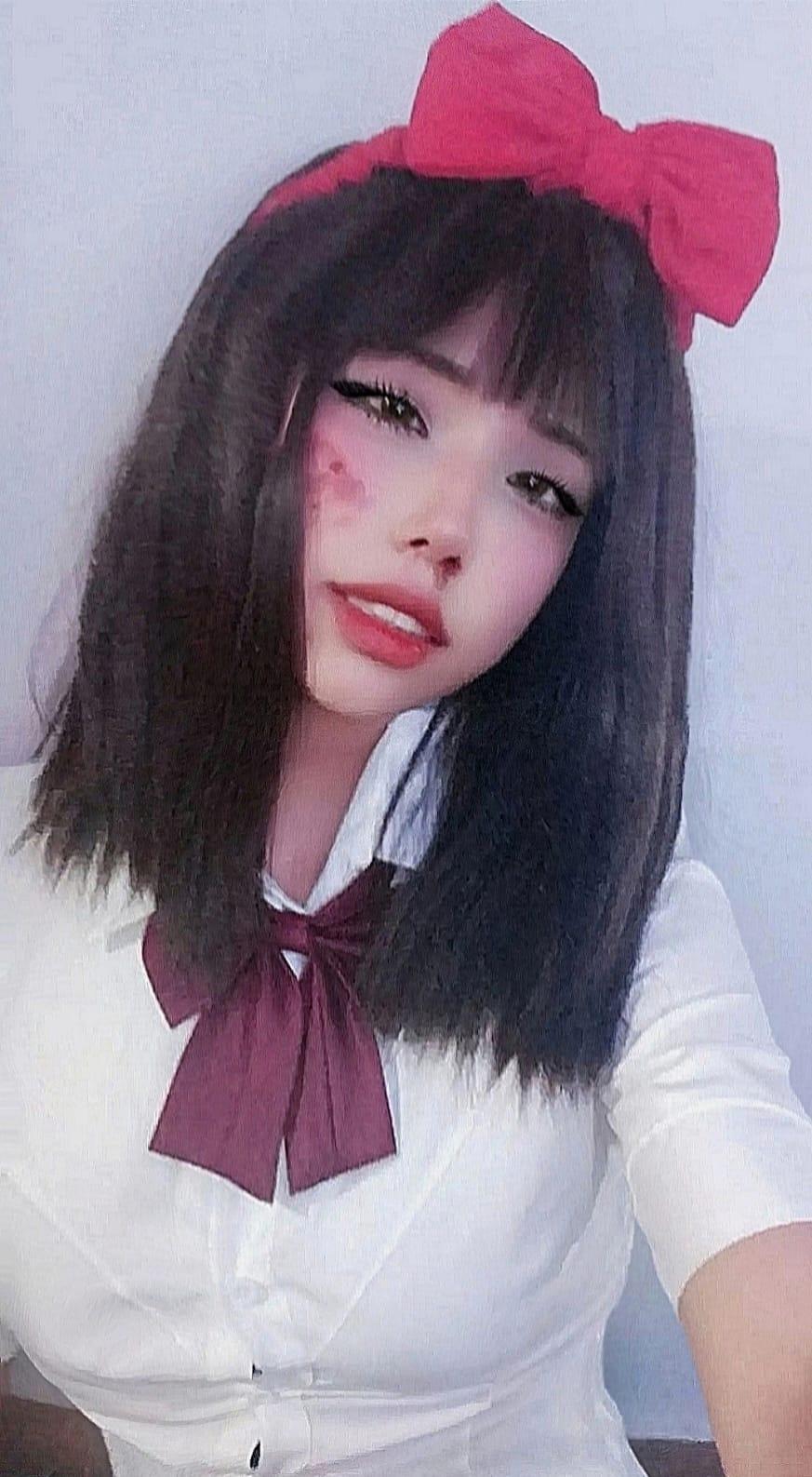
digital tapestry and sequin it looks very realistic
r/photoshop • u/OwlCompetitive2189 • 1h ago
digital tapestry and sequin it looks very realistic
r/photoshop • u/Emotional-Cheek403 • 8h ago
I created this piece to represent the idea of holding on to hope. Do you think I managed to convey that?
r/photoshop • u/DAnonymousMan • 34m ago
So I've been trying to merge down this Jaguar logo onto the base of my 3D model. But as you can see the tail end of the logo isn't merged down, even though its the same source/texture. How can I achieve this?
r/photoshop • u/Firm_Helicopter_8029 • 1d ago
Hey all, I made a plugin that allows people to use 3D mannequins within Photoshop; I hope it will be helpful to artists and beginners who want to learn anatomy. NB:All the mannequins featured here were made by the author from scratch using 3D software, and the assets were also made from scratch.
r/photoshop • u/Reinhaut • 9h ago
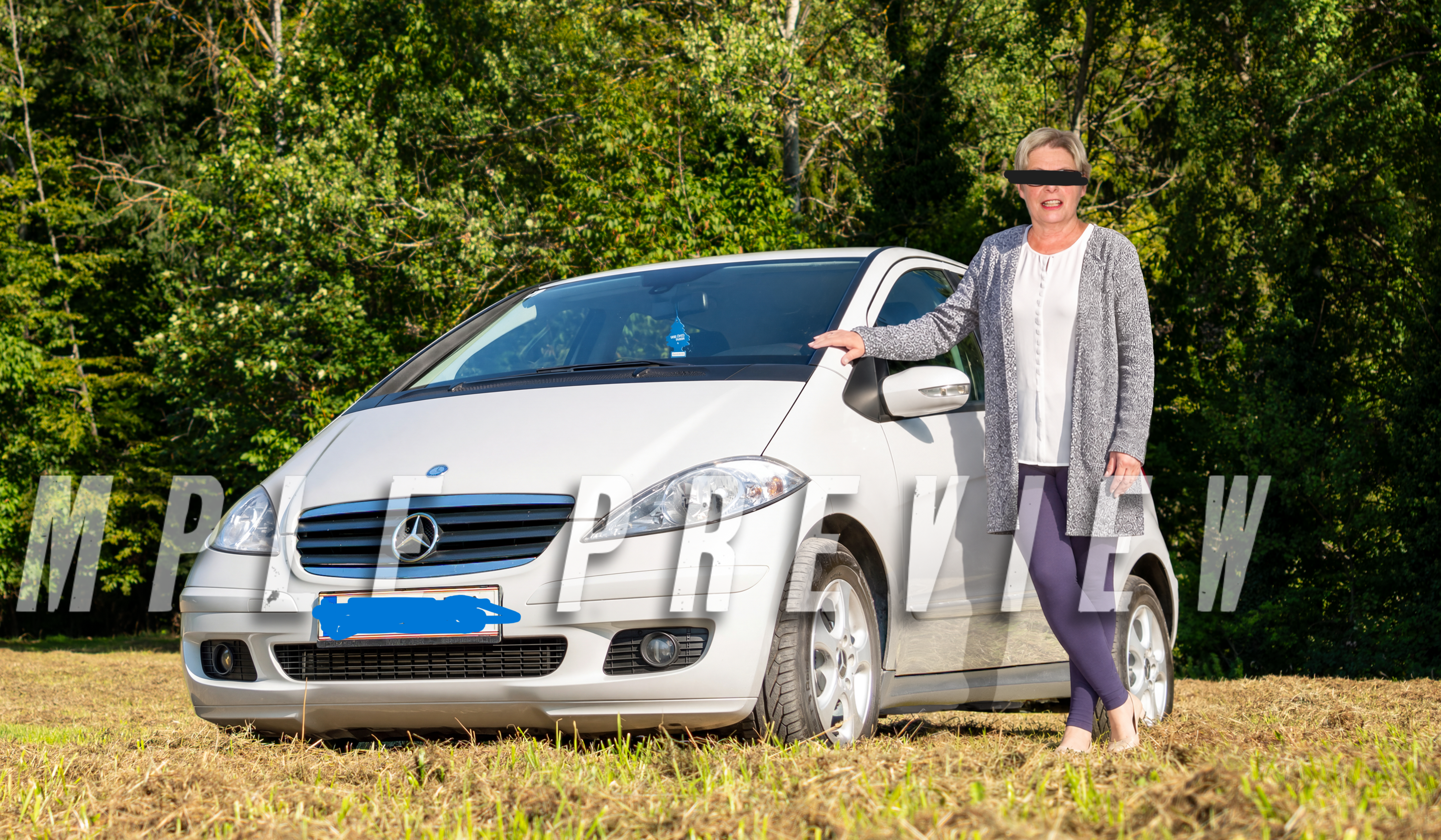
I am working with a freelancer on fiverr to add a passed away family member to a photo.
Almost all my request have been completed perfectly, and he has gotten so much out of the flawed source material I provided. Just one thing we can't quite work out even after a revision. I am looking for guidance on how to communicating with the person, not to replace them or receive free work here.
I think the added person still stands out and is obviously added in. Can someone here chime in and help me put into words what is wrong? I suspect the lighting on her face is still too cold compared to the rest.
Or maybe am I overly critical of this work? Is it a matter of skill of the freelancer? My goal is realism if possible.
Thank you for your help.
r/photoshop • u/Emotional-Cheek403 • 1d ago
When I first started working on this image, I had no idea what I was going to put together. I opened Unsplash and started browsing randomly until I came across a photo of a road. I added it to the composition, tried to silence all my doubts, and just let my instincts take over.
Then I came across a sofa and placed it in the middle of the road. After that, I added a dramatic sky, a girl, and a man facing away from the viewer, with only his back visible.
At that point, the idea suddenly became crystal clear to me: the struggles and hardships we face throughout our lives, from the moment we're born until the very end.
I represented obstacles with a man dressed in black, with his head on fire, and innocence with children's toys and an old TV playing cartoons.
I adjusted the lighting, shadows, and perspective to make sure the girl was the first thing that caught the viewer's eye.
I genuinely enjoyed this whole experience.
r/photoshop • u/HappyBarbarian • 1d ago
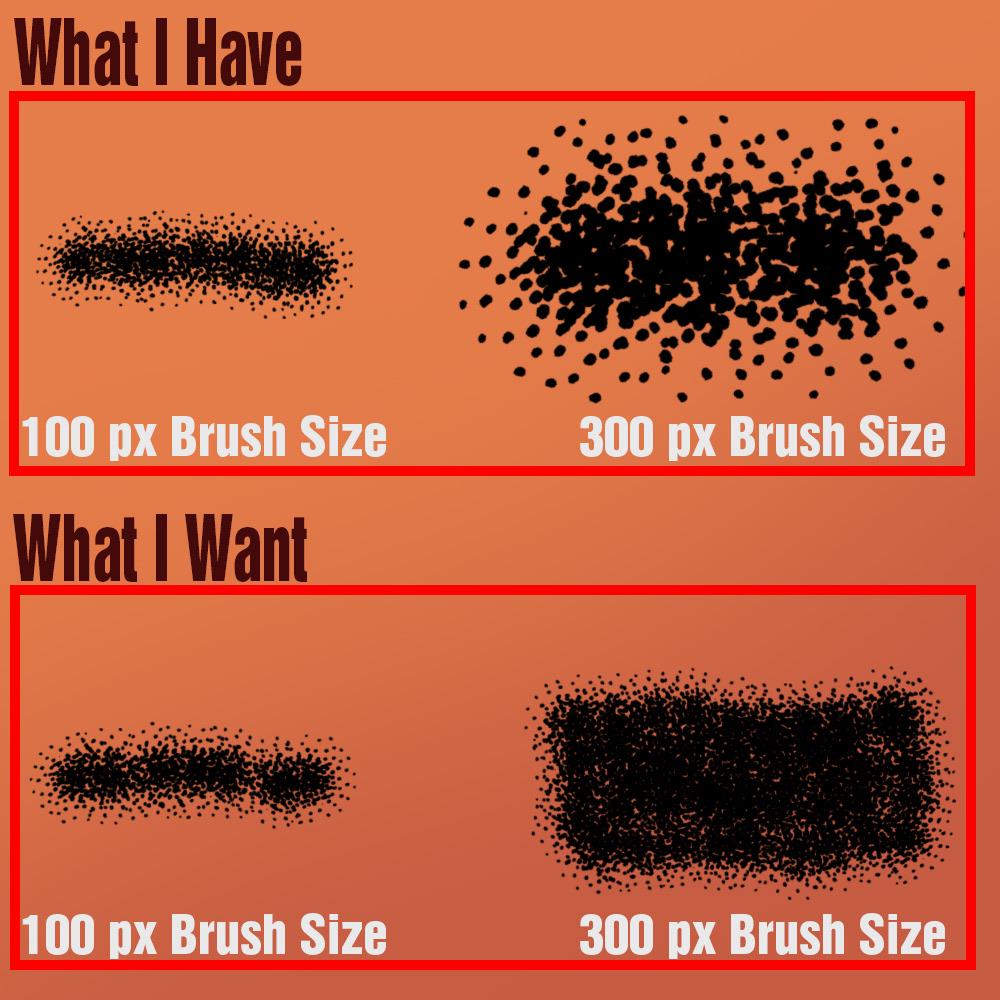
Help! This is diving me nuts, and I haven’t found any good answers online. I want to be able to change the size of a brush without changing the size of the texture.
r/photoshop • u/RhyWin • 18h ago
Hi everyone,
I’m trying to lay out my artwork in Photoshop to print some keychains, but the final layout looks pixelated and I can't figure out why. I'll be attaching a ss of the template from my manufacturer.
Here are my current settings and workflow:
I thought an A4 at 300 DPI would be high enough resolution, but the edges of my designs are coming out jagged/blurry.
Does anyone know what I might be doing wrong, or what the best workflow is for preparing individual keychain files onto a master print sheet without losing quality? Any help is appreciated
Note: I can't change the DPI of the template, and inside every folder, all the artwork needs to be combined into just one single layer

r/photoshop • u/Pepsi_Tastes_Better • 19h ago

I am trying to use generative expand to make this render 16:9. something i've done a lot. but as of today i cant use partner models anymore for this :( The firefly is just not up to the task sadly :(
Does anyone know if there is a setting i need to change??
r/photoshop • u/Fine_Cake4106 • 1d ago
Why should anyone use the new "AI Assisted Editor"? The idea from Adobe's ads: quickly brush over something to change a jacket color or swap hair color in seconds. But has anyone actually made this work? For me, it fails completely.
Instead of changing the hair color, the AI completely changes the hair texture and hairstyle. In my case, it even generated a totally different person with different eyes and a different nose! I asked for dark ash blonde, and it gave me a stranger with random curls.
Using the brush tool makes it even worse. If you Google it, everyone says the AI keeps your original hair texture and contours. That is just a lie. It just pastes a random AI wig over your photo.
It feels like going 3 years back in time. Why advertise a quick color swap if it just creates a whole new human being?
Has anyone actually gotten this to work? This would be only reason for me to use it: quickly change the colour.
r/photoshop • u/Dext517 • 12h ago
As you can see, the image is very blurry, has too much grain, is out of focus, and has a thousand and one other flaws I wouldn't even know how to describe. I have to fix it for a client, and I can't find a way to make it look decent without using AI. What would you do in this situation? How could I fix it?
r/photoshop • u/Awdrocity • 1d ago
I'm making a kutte for my fivem MC and learning along the way. No matter how hard I try, I can't get the L and the E to be square to the ends of the rocker. I'm trying to get the text shaped correctly before exporting it and throwing it in my embroidery software. Any tips? Thanks in advance!
r/photoshop • u/uddonkohi • 1d ago
hello, I recently bought photoshop cc and updated it to the latest version. my brushes worked perfectly fine on my previous pc with CC 2022, but now I’m not sure what’s wrong. the brushes suddenly feel different, and their textures seem to have disappeared. the preview also looks completely different from the actual strokes on the canvas.
Has anyone experienced this before or knows how to fix it? thanks!!

r/photoshop • u/Pouchkine___ • 1d ago
Bevel/emboss is great to make an object pop out, but I want to make it pop in.
I'm trying to make these letters have a contour that makes it feel like they've been carved into the rock.
My idea is a grey/brown contour that feels like it has depth inwards all around the letter. What would you recommend ?
This will more or less be what the rock around it looks like, and I need the letter to feel carved into it :

Edit : I was able to achieve this with Inner Bevel onto the rocky contour, but I feel there might be a better way

r/photoshop • u/Durahl • 1d ago
Greetings!

The above Screenshot shows the state in which Photoshop has been starting for the past few Versions for me - Unlike before this issue - The Window Stacks ( Swatches, Brushes, Layers ) appear in a Collapsed / Minimized State which is starting to annoy the crap out of me 😑
How would I go about having it open up like before looking like this:

Not quite related to THIS Problem but I've also noticed PS now apparently uninstalling itself from my System whenever there's an Update available ( it vanishes from both the Start Menu AND the Adobe Creative Cloud App ) essentially forcing me to do the Update by reinstalling it 💢
Any suggestions regarding THAT issue? 🤔
r/photoshop • u/WillyWanker__ • 1d ago
r/photoshop • u/FactClassic495 • 2d ago
Hey everyone!
So a long time ago there was a Photoshop plugin named the HVC Color Composer. It could replace the original Photoshop color picker by adding a new HVC color space to pick from, which is based on the Munsell scale. However, its main feature was the ability to measure the distance between two colors in a uniform way and automatically generate palettes out of them.
While it was not successful as a commercial product at the moment it released and thought lost by even its own lead creator, with the only surviving version being found in the Wayback Machine as a crippled demo, I eventually managed to track down another developer who graciously allowed me to open source it.
So here it is: it will only work out of the box in Windows up to Photoshop CS6 and 32-bit Mac up to Photoshop CS5 due to using the old ADM UI framework, but hopefully someone will port it to modern versions (it's open source software):
Link:
https://github.com/PentaChess413/HVCColorComposer
Feedback is appreciated!
r/photoshop • u/BenjaminsThoughts • 2d ago
Wanted to do something to commemorate a tooth that was root-canaled 15 years ago and now has a chronic infection that has eaten a hole all the way through my jaw.
r/photoshop • u/ruka_Z • 2d ago

My brush is doing a multiply-like thing when drawing over another color. The brush settings are empty, so probably not there. I tried changing brushes but the effect is the same. Tried to quit PS and come back, same stuff. Please help !
r/photoshop • u/Sir_Clicks • 2d ago
r/photoshop • u/Careless_Cupcake_601 • 2d ago
In the psd file there's no lines/glitches visible but when i save it as a jpeg I see glitched lines on darker side..but when I share that image with others they dont see those glitched lines?
r/photoshop • u/blink183_ • 2d ago
As part of my entry-level Photoshop course, we were asked to make a mock magazine cover. This is what I have so far. The orange text looks sort of like it's just haphazardly floating there. Any tips to make it look less awkward? I feel like this is something I struggle with overall- I attached a few other designs I made and feedback on those would be appreciated too.
r/photoshop • u/George_D • 3d ago
Hello, as the title says, I am trying to remove the black notation from the grey background. I played with blur and noise to make the grain more homogeneous, and then I selected by color to cut out the darker text. I feel like cleaning this up is a lot of messy work, and I thought of asking whether there is a better way to do this. I also included an example picture of how it should look at the end.
Thank you so much for the help!
r/photoshop • u/Ancient_Practice9585 • 3d ago
As an infrequent Photoshop user, I struggle every damn time I want to make a few revisions on a few damn images. My settings are gone and I have difficulties getting back to work!!!